




Find and enrich B2B leads without leaving Claude.

 4.8 from 200+ reviews10,000+ users
 Levon AdamyanPro plan
 Search peopleclugtm
Found 1,240 matches and saved the 25 best fits to Fintech revenue leaders. Want me to find their work emails and phones?
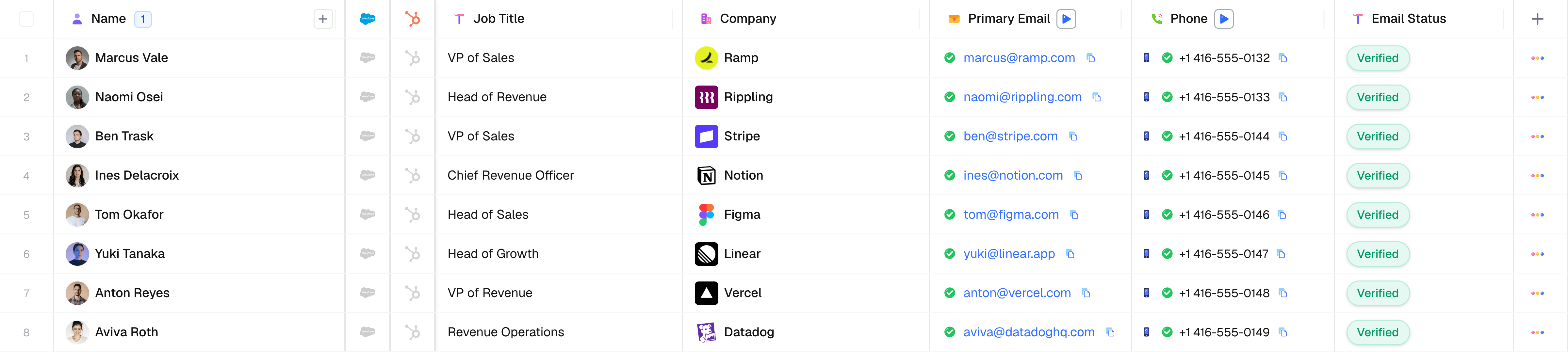
Enrich listclugtmDone. 23 verified work emails and 19 phones, saved to the list. Here are the top four:
Claude can make mistakes. Please double-check responses.
Levon AdamyanPro planSearch peopleclugtmFound 1,240 matches and saved the 25 best fits to Fintech revenue leaders. Want me to find their work emails and phones?
Enrich listclugtmDone. 23 verified work emails and 19 phones, saved to the list. Here are the top four:
Claude can make mistakes. Please double-check responses.
Loved by the most ambitious revenue teams. Join teams that left legacy go-to-market behind.
















Join 10,000+ users building pipeline on Clu.
Customer stories

What Claude adds in Clu.
Clu runs a remote MCP server, and Claude connects to it as a custom connector. Ask in plain English and Claude searches 1B+ profiles, saves the people you pick to a lead list and finds verified work emails and phone numbers through a waterfall across 25+ providers. Paid work waits for a quote you approve, and credits come from your workspace's one balance. On our 500-lead benchmark the waterfall returned 98% verified work emails and 85% phone numbers.
- Connects with
- OAuth
- In the app
- Integrations, MCP
- Plan
- Pro, Enterprise and data plans
- 01
In the app Integrations, the MCP tab, Copy URL
- 02
In Claude Customize, Connectors, Add custom connector
- 03
Sign-in OAuth with your Clu account, with no API key or client ID
- 04
Server mcp.cleanlist.ai, hosted and remote, with nothing to install
- 05
Works in claude.ai, Claude Desktop, Claude Code and Cowork
What you can do with Clu and Claude.
Claude calls Clu's tools over MCP to search, save and enrich leads in a chat.
- 01
Search in plain English
Ask for VPs of Sales at US software companies with 51 to 200 people. Claude turns the sentence into People Search filters and shows the matches as a table. Search costs no credits within your plan's records; past them a search page is 5 credits.
- 02
Lead lists in the chat
Claude creates and renames lists, saves the people you pick and adds, moves or filters leads. Lists cost no credits, and they're the same lists your team sees in the app.
- 03
Enrichment with a quote first
A work email costs 1 credit and a phone number 10, each charged only when found. Before a paid run Claude gets a quote, shows you the cost and your balance, and waits for your yes. A quote lasts five minutes and works once.
- 04
Skills, CRM sync and export
Add the tool groups you need to the connector's URL: agents for the Research and Qualification skills, crm to push leads to HubSpot, Salesforce or a lemlist campaign, and export for CSV and JSON. CRM tools need Pro or Enterprise, and every write waits for your approval.
Use Clu anywhere you go.





















 Ines Delacroix

 4
 2


 University of Toronto

Claude and ChatGPT side by side. Each runs the Clu search people tool, finds four leaders with verified work emails and saves them to a list in Clu: Fintech sales leaders in Claude, Dev tool revenue leaders in ChatGPT.
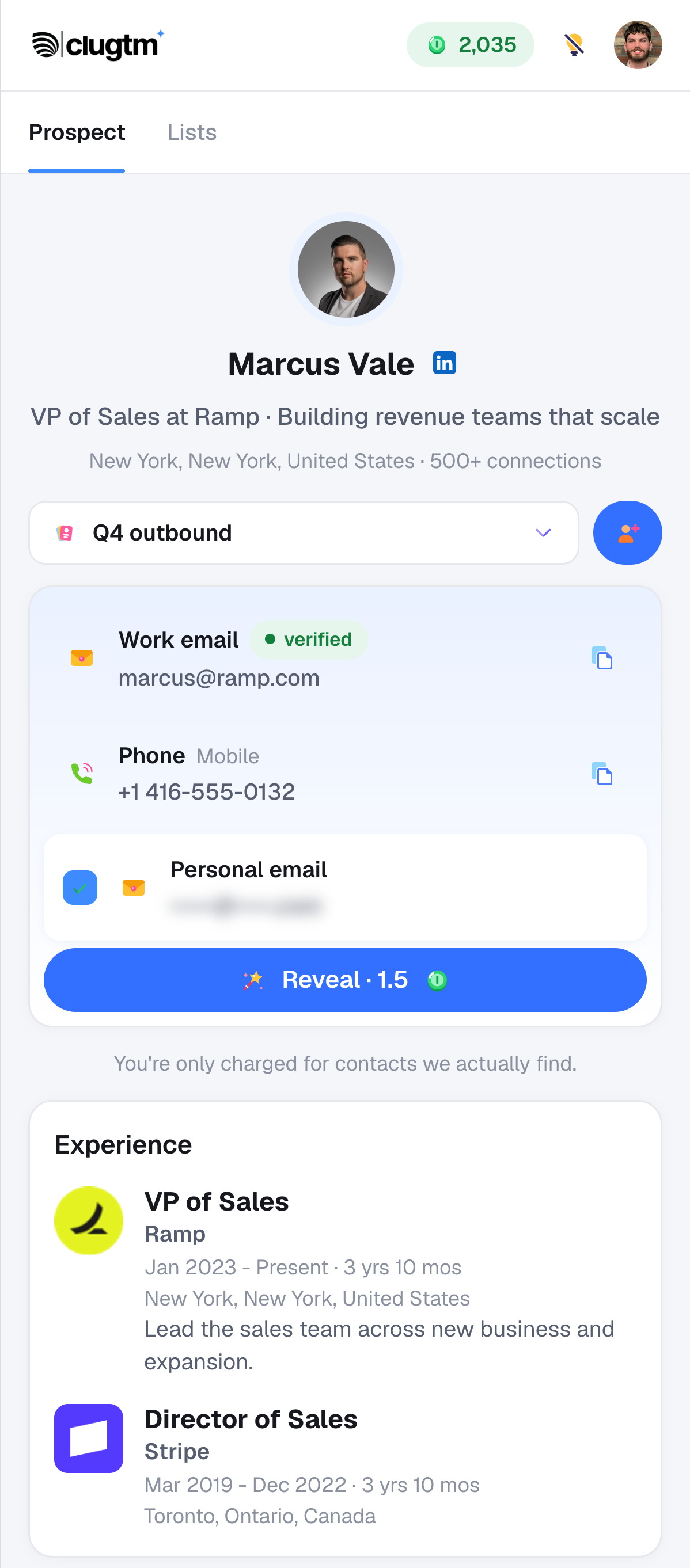
Use Clu in Claude and ChatGPTThe Q4 outbound lead list in Clu syncs to Salesforce and HubSpot row by row, with both connections active, and Marcus Vale's HubSpot contact record, owned by Levon, fills in with his verified email, mobile, title and company.
See CRM connectorsIn Slack, Levon asks Clu by clugtm in #pipeline to build a list of VP Sales and revenue leaders at target accounts, and Clu answers with the first four people, saved to Lead Lists.
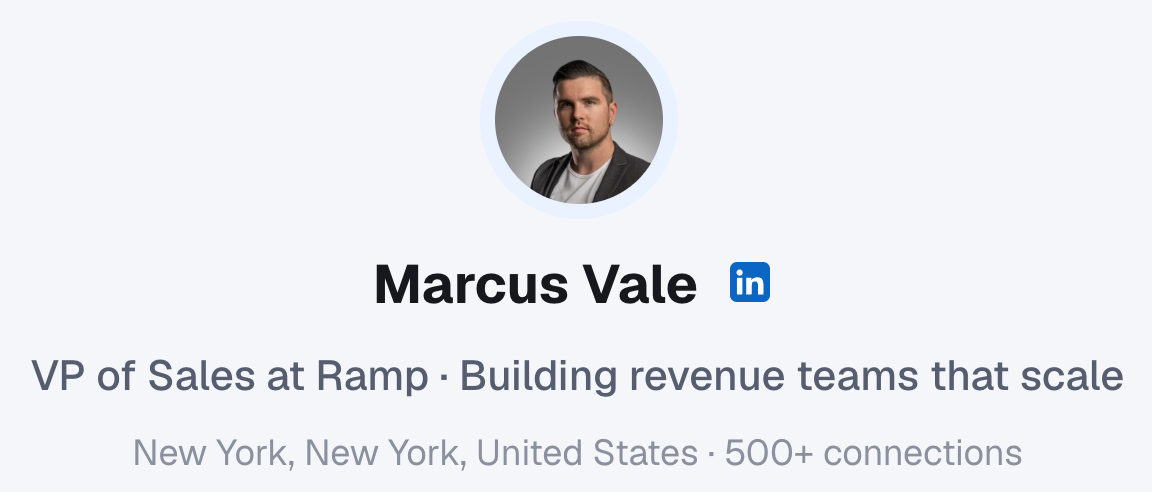
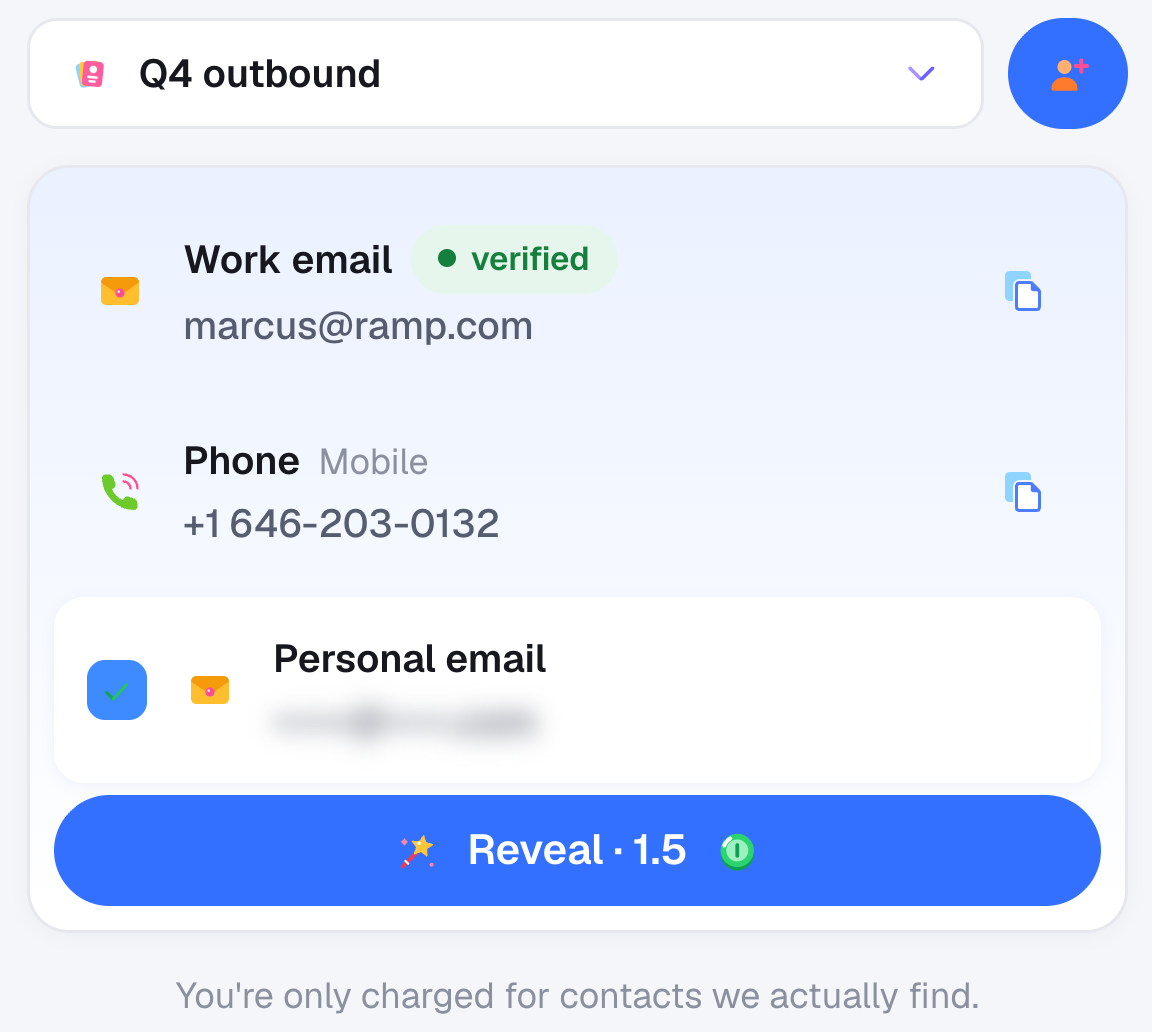
Use Clu in SlackIn Chrome, the Clu side panel opens over Marcus Vale's LinkedIn profile with his verified work email and phone, and adds him to the Q4 outbound list.
Add Clu to Chrome (opens in a new tab)How it works.
The MCP server is included on Pro (from $89 a seat a month) and Enterprise, and on every data plan from API Free at $0. Free and Starter don't include it.
- Step 01
Copy your MCP URL
In Clu, open Integrations, choose the MCP tab and click Copy URL. The URL carries your workspace, so a second workspace needs its own connector.
- Step 02
Add a custom connector
In Claude, open Customize, then Connectors, click Add and choose Add custom connector. Name it, paste the URL, leave the sign-in settings as they are and click Add. On Team and Enterprise plans an owner adds it for the organization first, under Organization settings, then Connectors.
- Step 03
Sign in and allow
Click Connect, sign in to Clu and click Allow. There's no API key or client ID to paste, and you can remove the connector from the same screen at any time.











































































Explore other integrations.
10 connections have a page like this one. The integrations hub lists every connection, grouped the way the app shows them.
 HubSpotWrites enriched fields to HubSpot; imports, lookups and agent triggers read it.
 SalesforceWrites enriched fields to Salesforce; imports, lookups and agent triggers read it.
 SalesloftAgents add the people they find and verify to Salesloft cadences.
 LemlistVerified leads go into the lemlist campaign you pick, from a list or an agent.
 SlackAsk Clu in a channel or a DM; agents post their runs where your team works.
 Google SheetsLists come in from a sheet and go out to one; agents add rows and start on new ones.
 NotionShared pages sync into Knowledge; agents start on database changes and write pages.
 FathomCall notes sync into Knowledge; agents start when a call is recorded.
 ChatGPTAdd the MCP server to ChatGPT to search, save and enrich leads in a chat.
Claude integration FAQ
All integrationsHow do I add Clu to Claude?
Copy your MCP URL in Clu under Integrations, then the MCP tab. In Claude, open Customize, then Connectors, click Add, choose Add custom connector and paste it. Click Connect, sign in to Clu and allow access. The URL is https://mcp.cleanlist.ai/v1/mcp followed by your workspace ID, so copy it from the app.
Which Claude plans support custom connectors?
All of them, per Anthropic's help center on November 25, 2026: Free, Pro, Max, Ultra, Team and Enterprise. Free users are limited to one custom connector. On Team, an owner or primary owner adds the connector for the organization, and each member then connects with their own account.
Which Clu plans include the Claude connection?
Pro and Enterprise, and every data plan from API Free at $0. Free and Starter don't include it. Pro is $89 a seat a month, or $67 billed annually.
What does Clu cost inside Claude?
The same credits as the app. Search costs no credits within your plan's records; past them a search page is 5 credits. A work email is 1 credit and a phone number 10, each charged only when found, and a company enrichment is 1. The research and qualification skills are priced by the AI model and quoted before each run. Lists and balance checks cost nothing, and there's no separate MCP fee.
Can Claude spend my credits without asking?
No. Before any paid run, Claude asks Clu for a quote, shows you the cost and waits for your approval. A quote lasts five minutes and works once, and your credit balance is a hard ceiling. Deletes and CRM writes also need your approval in Claude's own prompt.
Does it work in Claude Code?
Yes. Add the same URL as an HTTP server with claude mcp add, then run /mcp to sign in. Claude Code can't show the approval prompt that deletes, sends and CRM writes need, so run those from claude.ai, Claude Desktop or the Clu app.
Connect Claude. Start for free.
Free to start. Upgrade when you need more. A lookup that finds nothing costs nothing.


